10 Tips for Home Office: More Productive Decor Ideas
Introduction
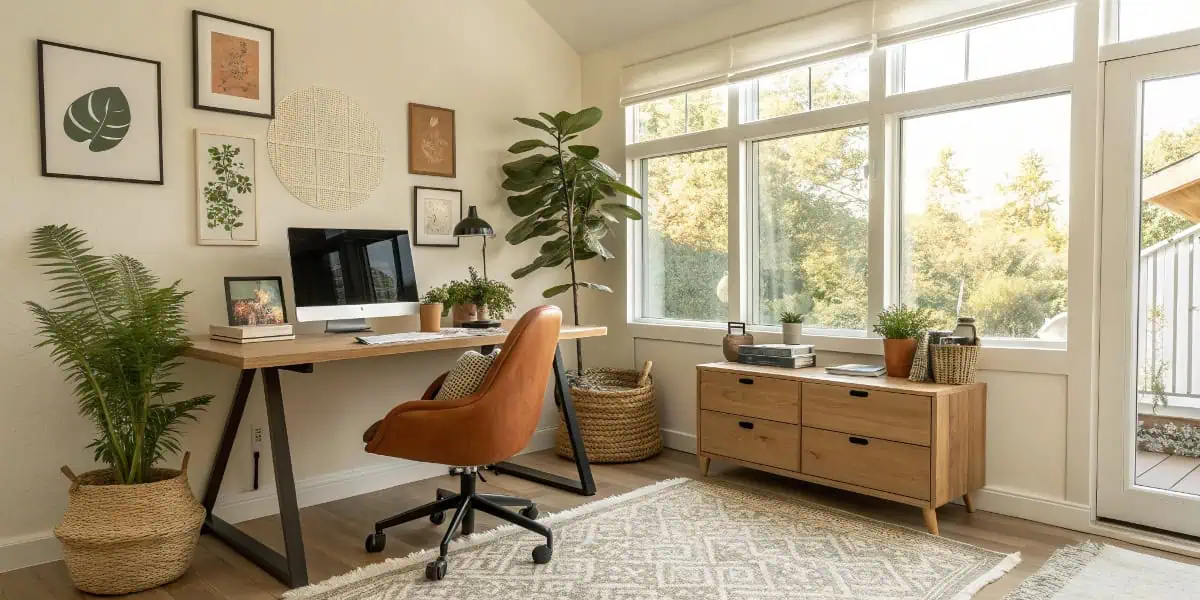
Working from home has become a daily reality for millions of people, and having the right home office setup can make a world of difference. A well-planned home office isn’t just about a desk and chair — it’s about creating a space that supports focus, comfort, and creativity.

Save what you love, hover or tap the image and pin it now.
Whether you have a dedicated room or just a corner of your living space, the right ideas and products can help you work efficiently and feel inspired. In this guide, we’ll explore the best home office setups, tips, and products to help you design a workspace that truly works for you.
List of Best Home Office Ideas
1. Minimalist Desk Setup
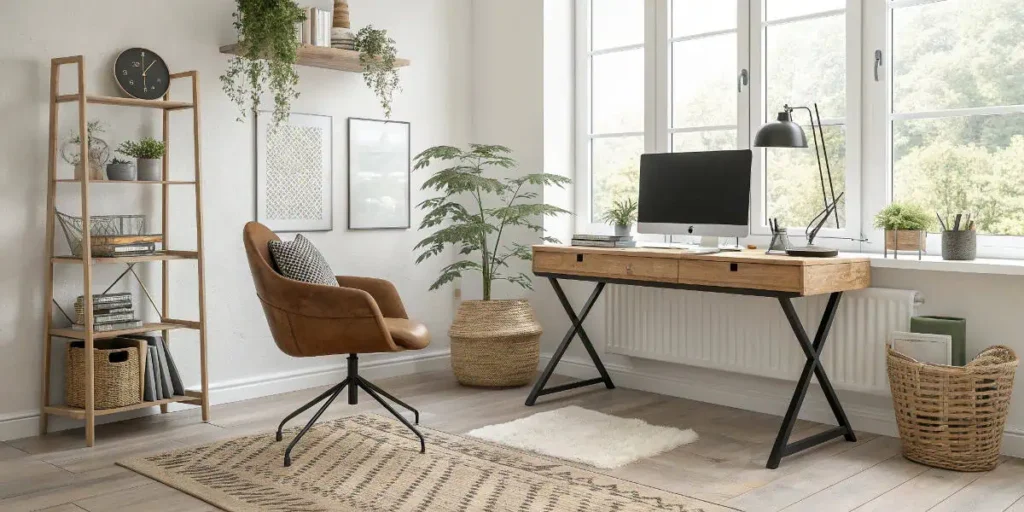
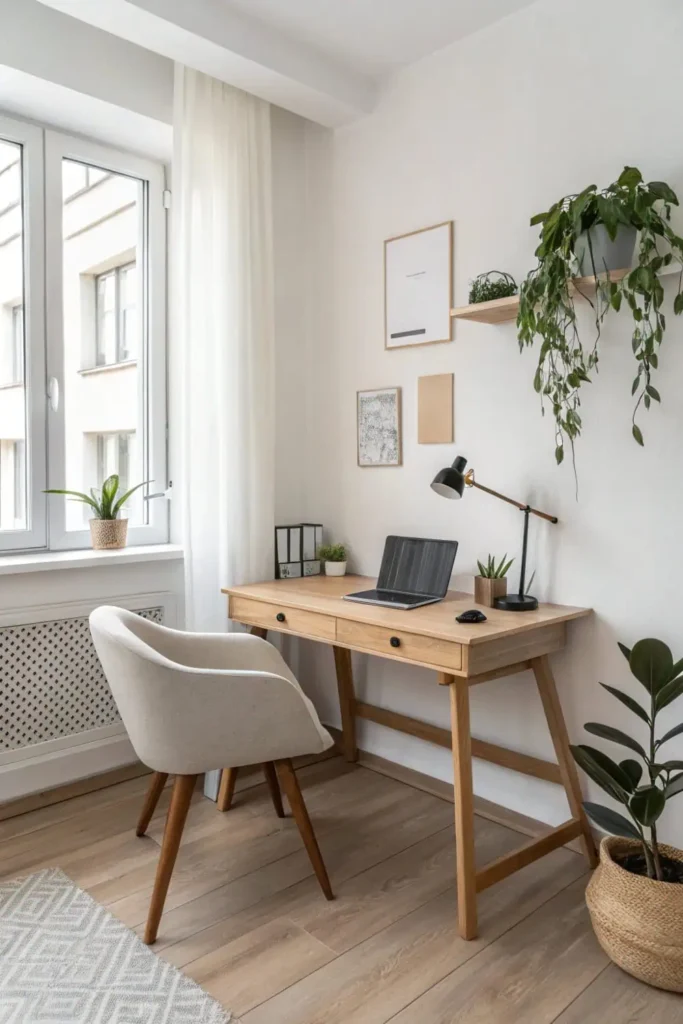
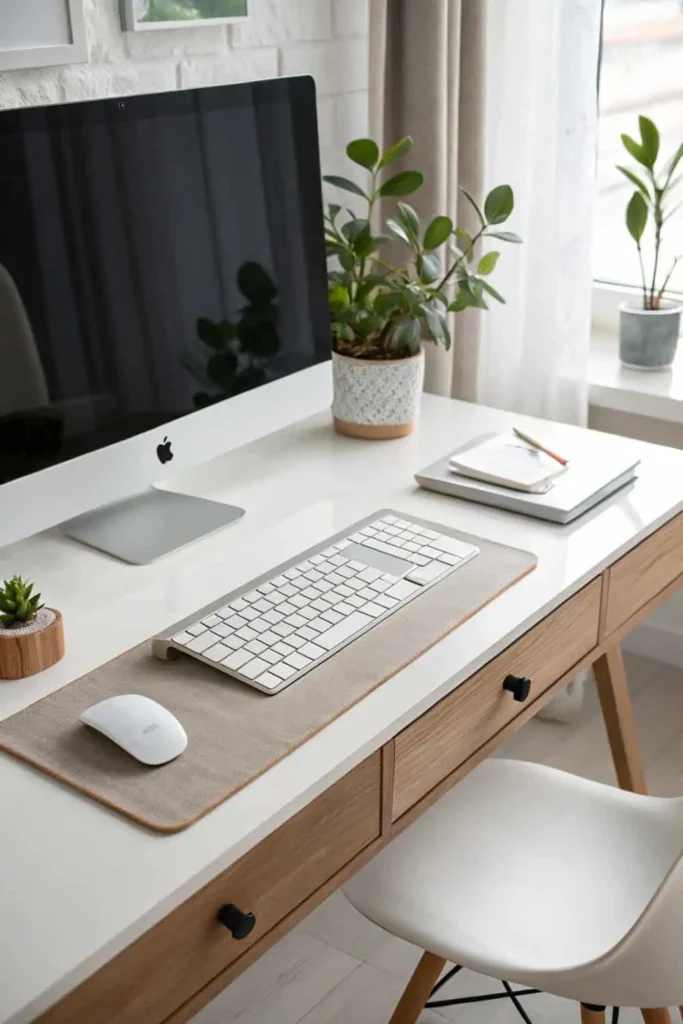
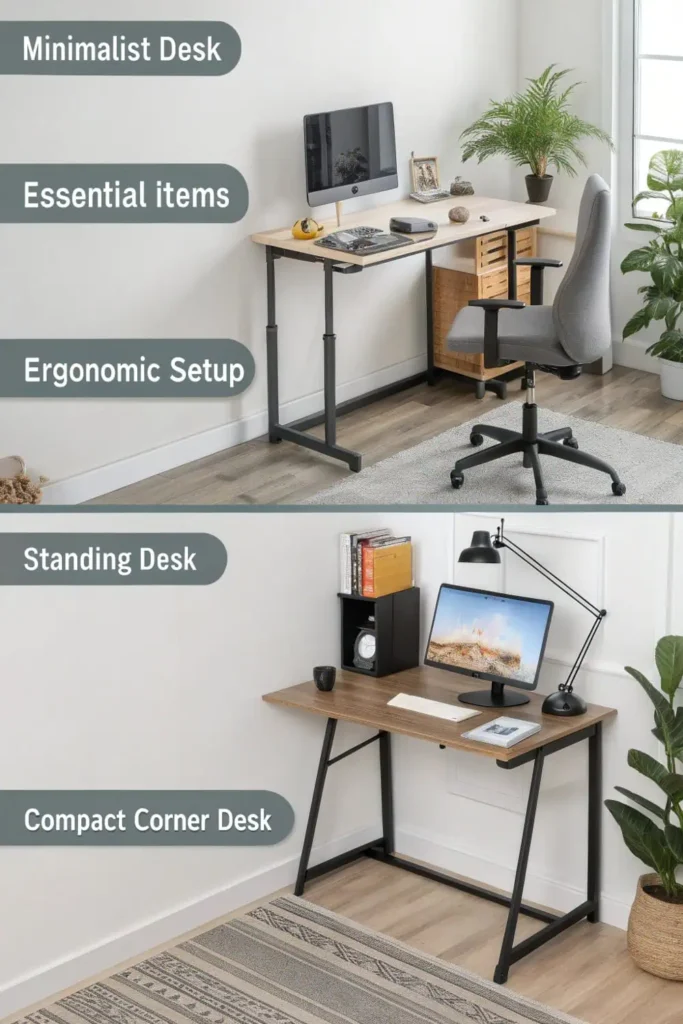
A clean, uncluttered desk can instantly improve focus. A minimalist setup typically includes a sleek desk, ergonomic chair, and just the essentials — a laptop, a monitor, and a desk lamp. This approach reduces distractions, making it ideal for people who prefer a tidy work environment. Pair it with neutral colors and natural light to create a calming atmosphere that helps you stay on task.
Save what you love, hover or tap the image and pin it now.
Save what you love, hover or tap the image and pin it now.
Pro Tip: Keep only essentials on your desk to avoid visual clutter. Use cable organizers and neutral tones for a calming workspace.
2. Ergonomic Workstation
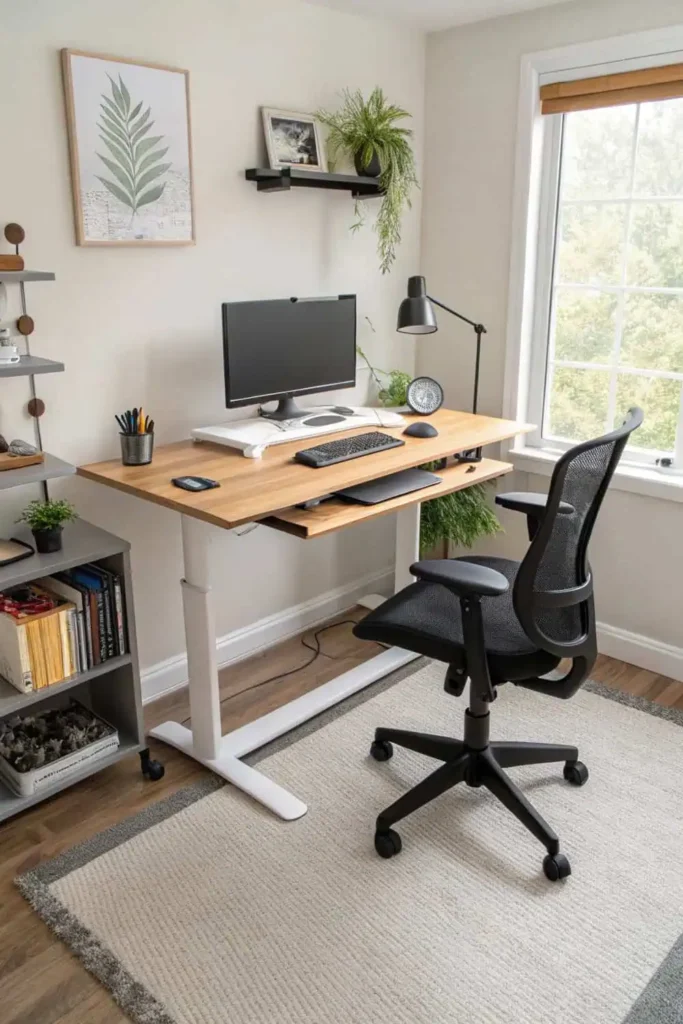
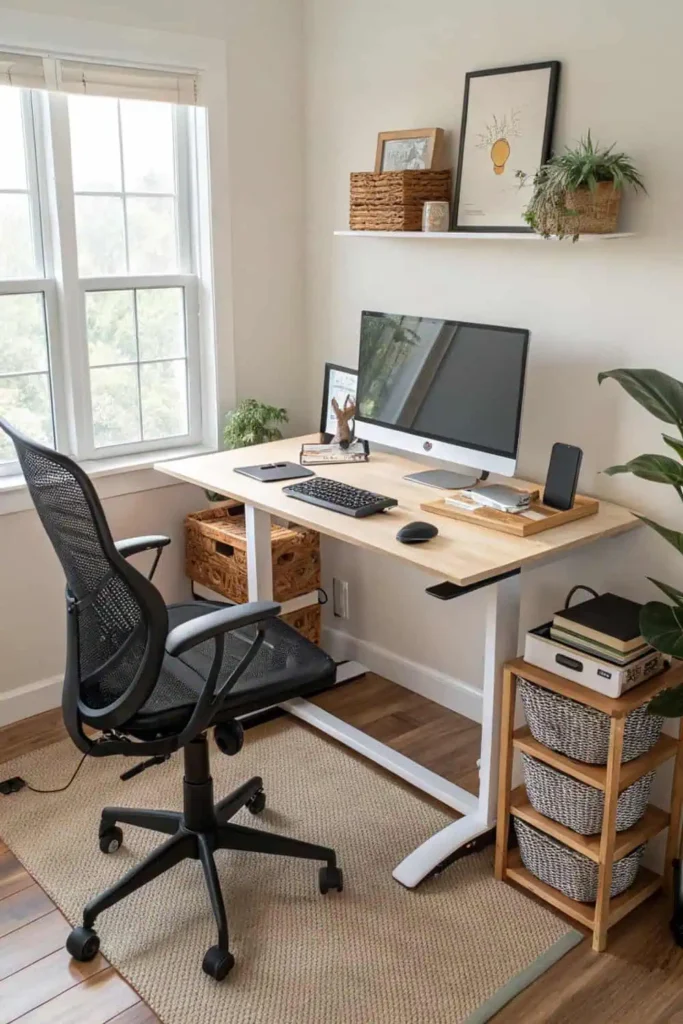
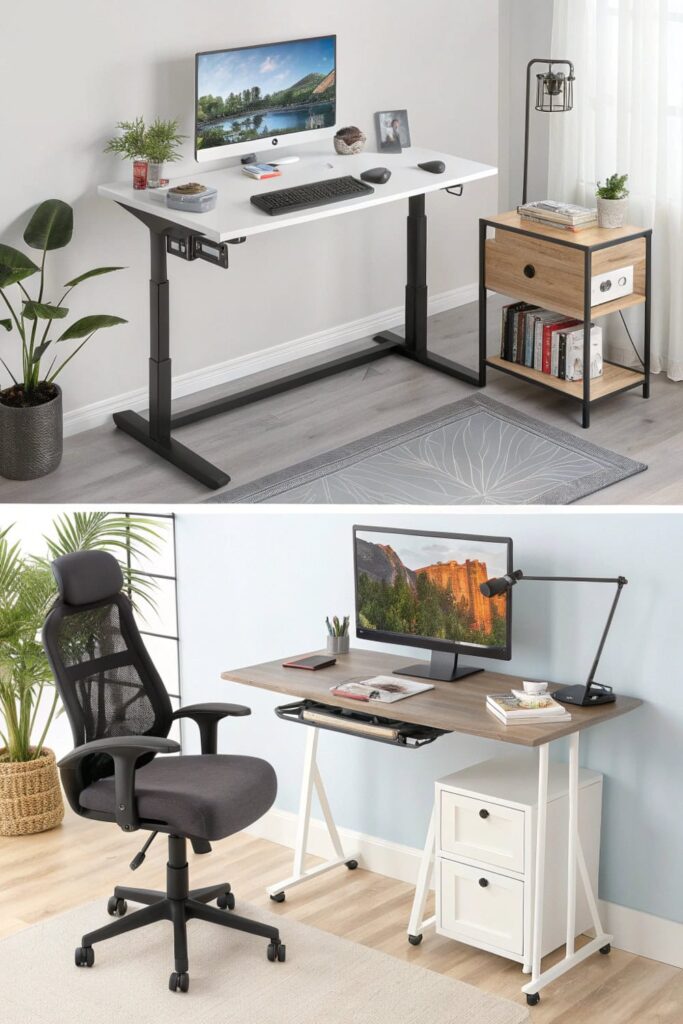
An ergonomic home office setup is essential for long work hours. It usually includes an adjustable chair with lumbar support, a height-adjustable desk, and a monitor positioned at eye level. These features help reduce strain on your neck, back, and wrists. An ergonomic workspace not only boosts comfort but also supports long-term health.
Save what you love, hover or tap the image and pin it now.
Save what you love, hover or tap the image and pin it now.
Pro Tip: Adjust chair height so your feet rest flat and the monitor is at eye level. This reduces back and neck strain during long hours.
3. Standing Desk Zone
A standing desk encourages movement and can help combat the negative effects of sitting all day. Many models are height-adjustable, allowing you to switch between sitting and standing. Pair it with an anti-fatigue mat for added comfort and a monitor arm for flexible screen positioning.
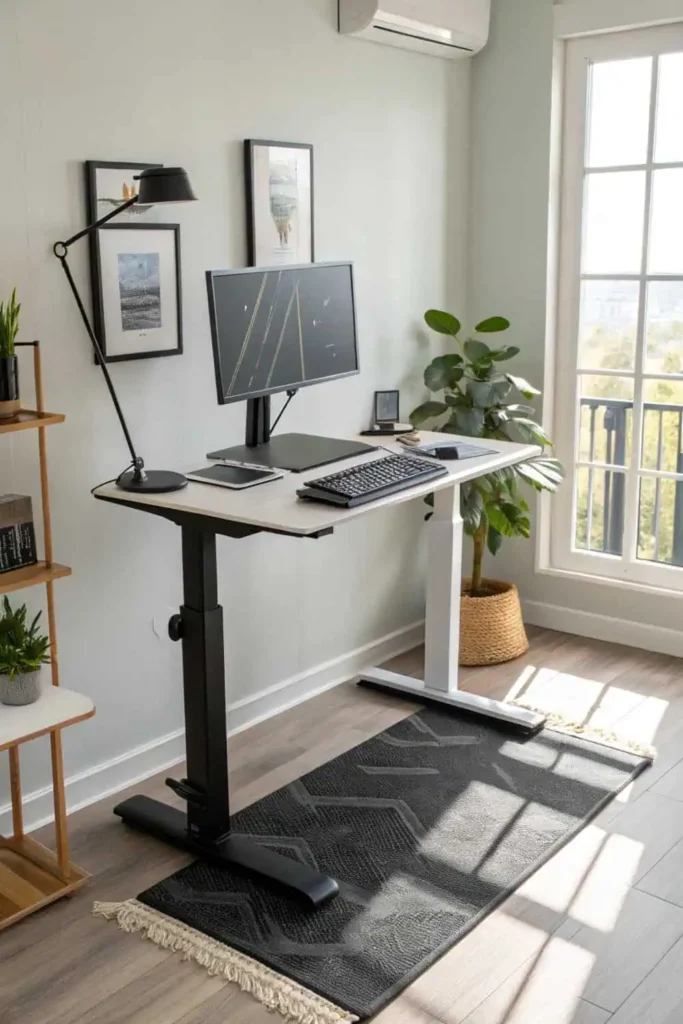
Save what you love, hover or tap the image and pin it now.
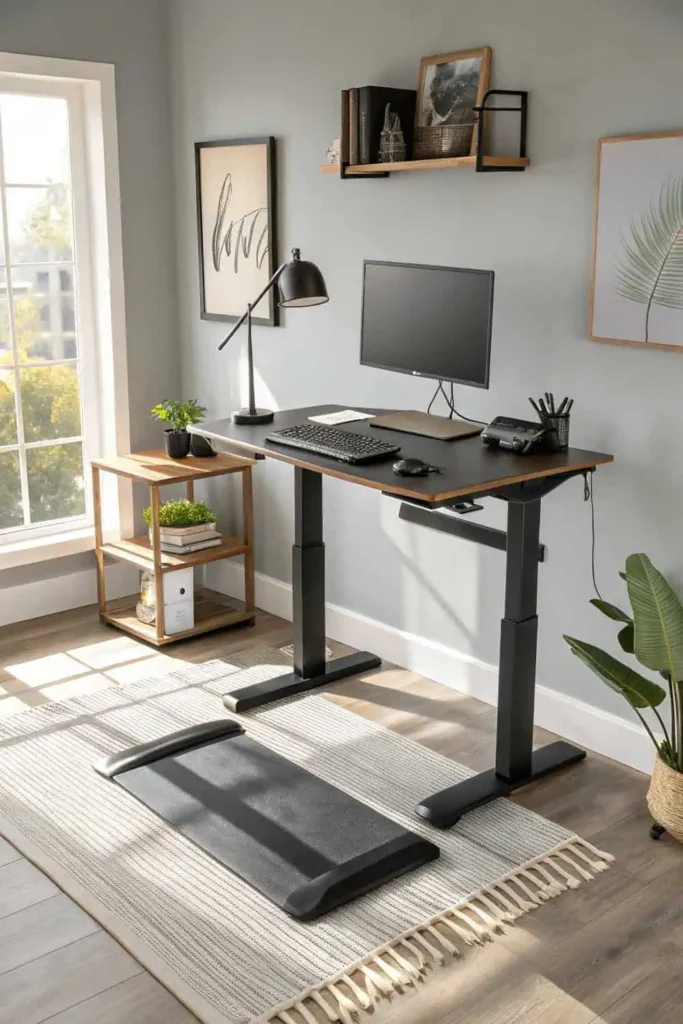
Save what you love, hover or tap the image and pin it now.
Pro Tip: Alternate between sitting and standing every 30–45 minutes. Pair with an anti-fatigue mat for better comfort.
4. Multi-Monitor Setup
For those working on multiple projects or in creative fields, a multi-monitor setup increases productivity. Two or more screens make multitasking smoother, from editing documents to managing video calls. Ensure your desk is spacious enough and invest in adjustable monitor arms for the best viewing angles.
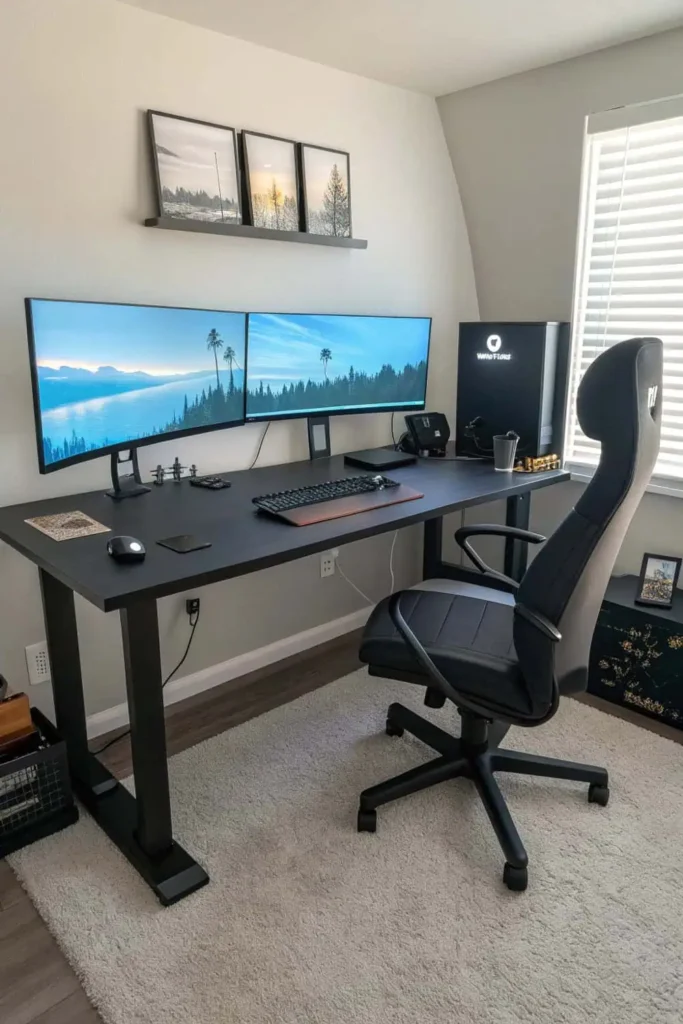
Save what you love, hover or tap the image and pin it now.
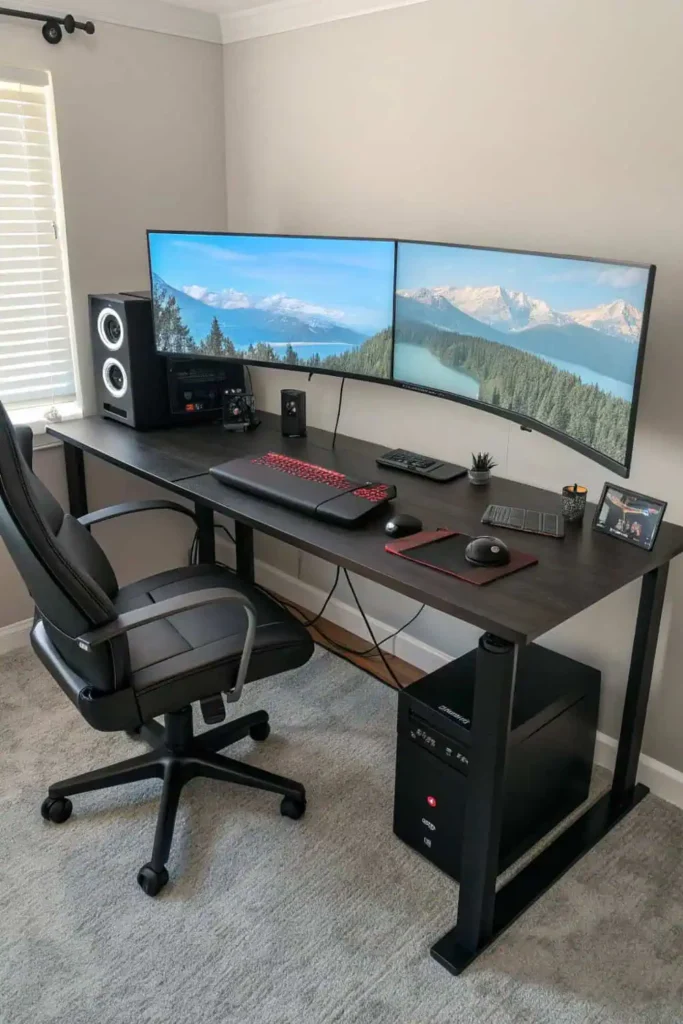
Save what you love, hover or tap the image and pin it now.
Pro Tip: Position screens slightly curved toward you for less eye movement. Match monitor height to avoid neck strain.
5. Cozy Reading Nook
If your work involves reading or brainstorming, a small reading nook within your home office can be a great addition. Include a comfortable armchair, side table, and soft lighting. This cozy corner offers a break from your desk while keeping you in a work-friendly environment.
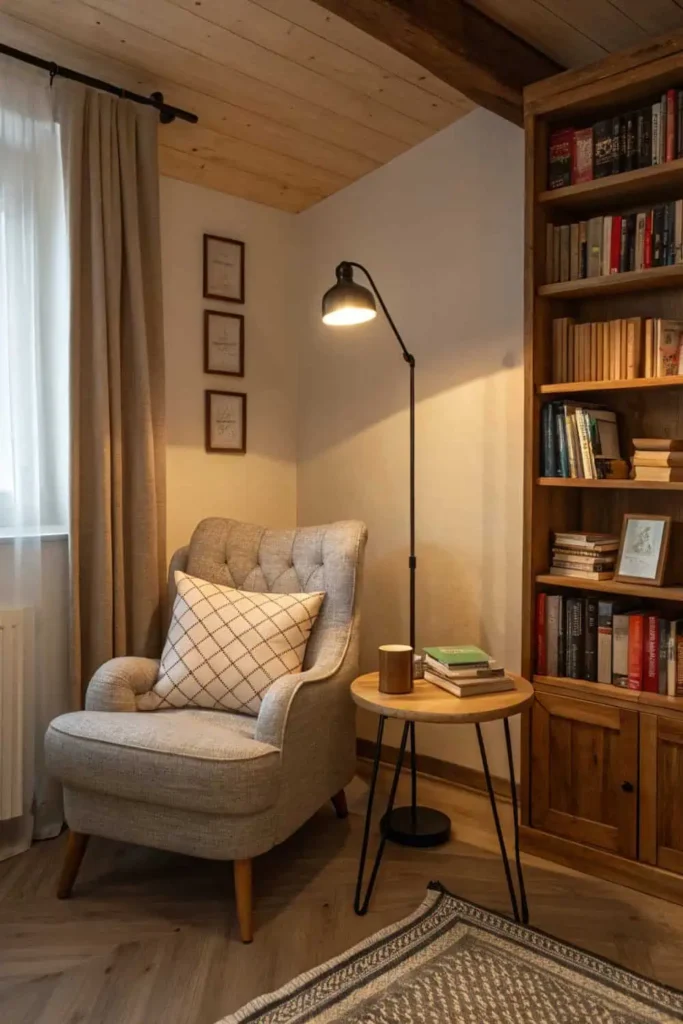
Save what you love, hover or tap the image and pin it now.
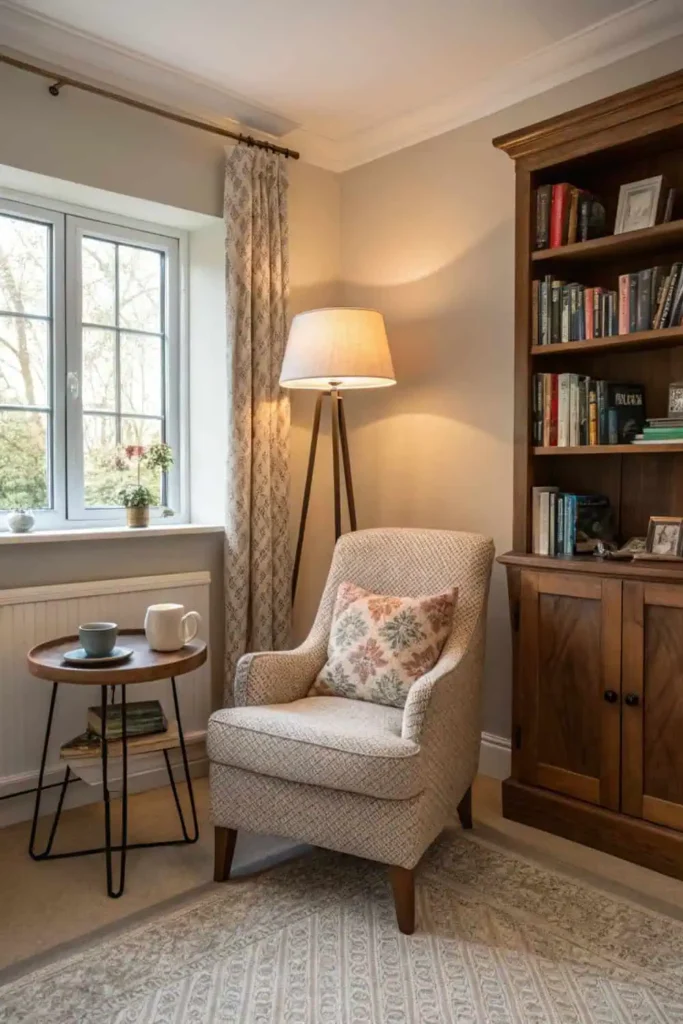
Save what you love, hover or tap the image and pin it now.
Pro Tip: Use warm lighting and a plush chair to make the space inviting. Keep a small side table for books and coffee.
6. Natural Light Workspace
Placing your desk near a window can boost mood, reduce eye strain, and improve productivity. Natural light helps regulate your sleep cycle and keeps you feeling alert. If natural light isn’t available, opt for full-spectrum lighting to mimic daylight.
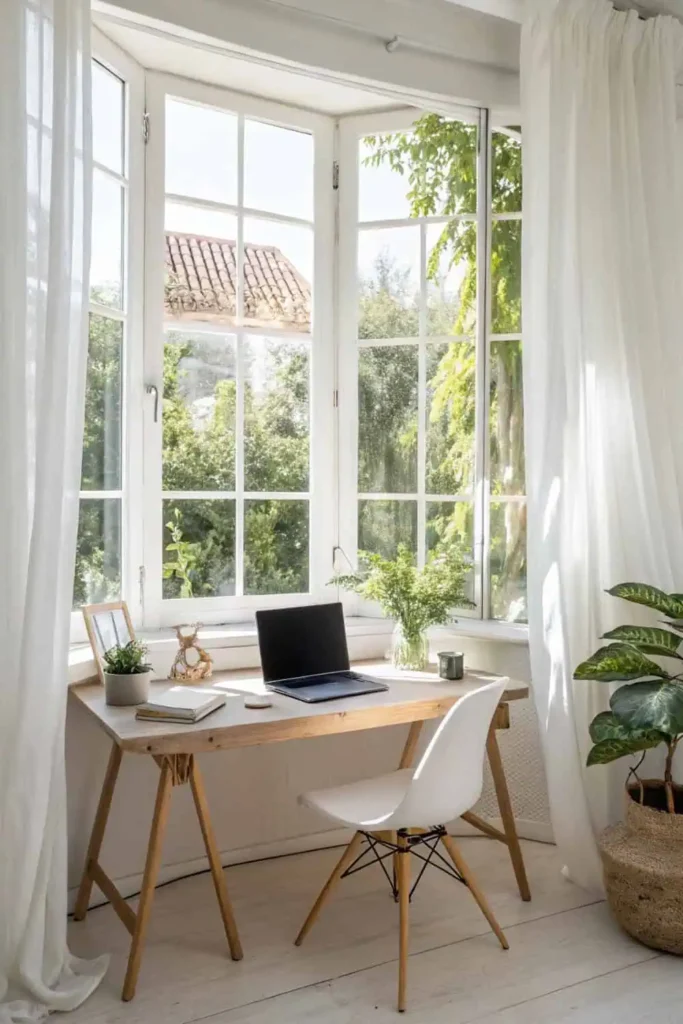
Save what you love, hover or tap the image and pin it now.
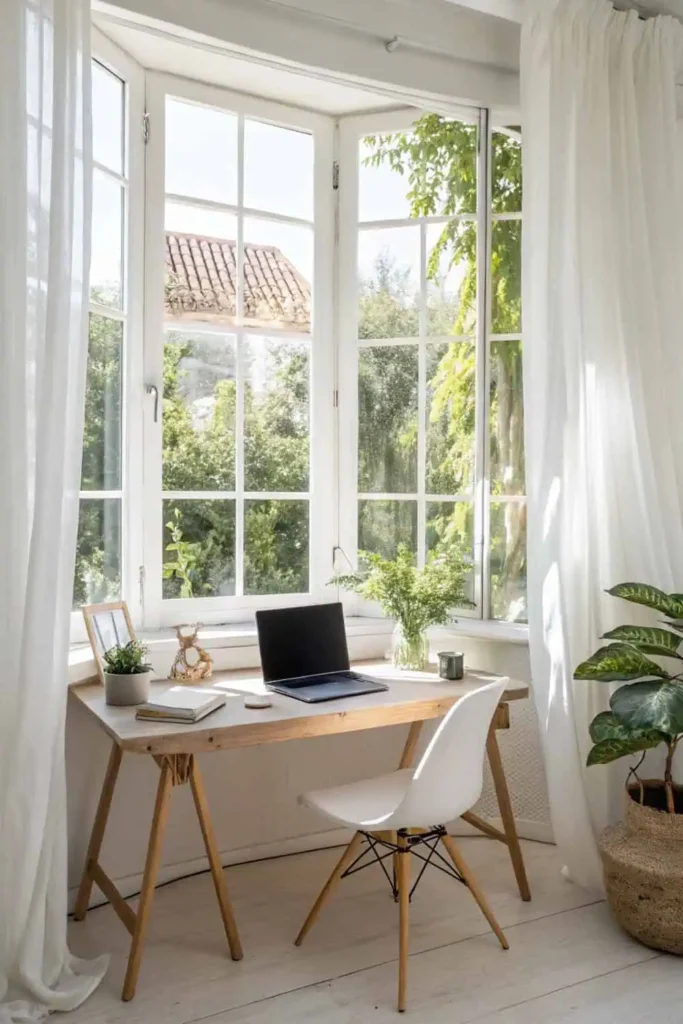
Save what you love, hover or tap the image and pin it now.
Pro Tip: Place your desk perpendicular to the window to reduce glare. Add sheer curtains to soften direct sunlight
7. Tech-Friendly Office
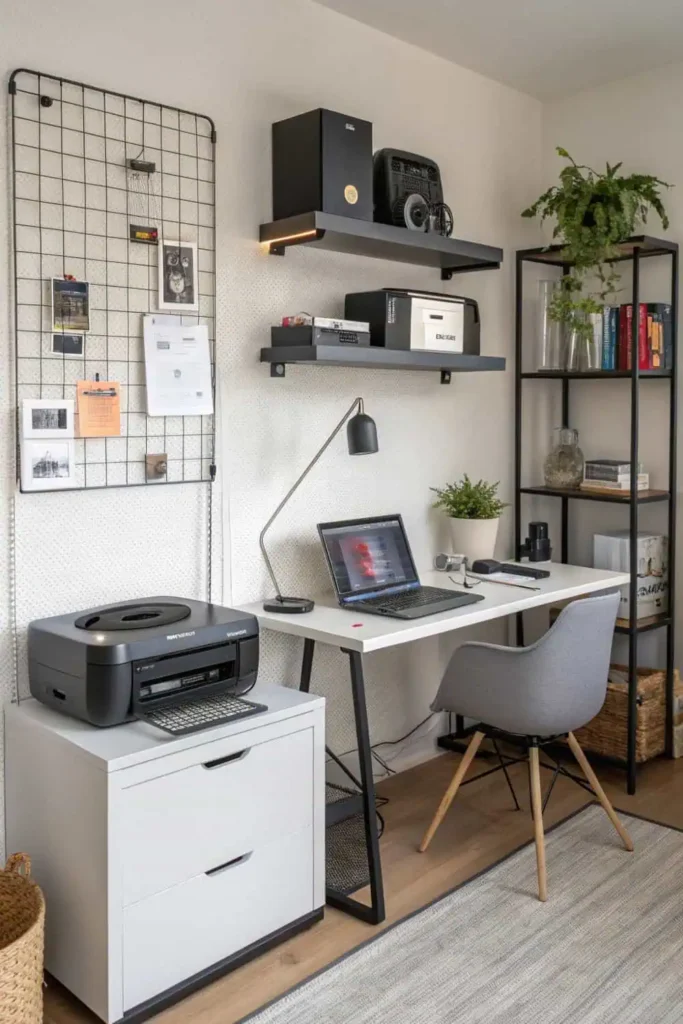
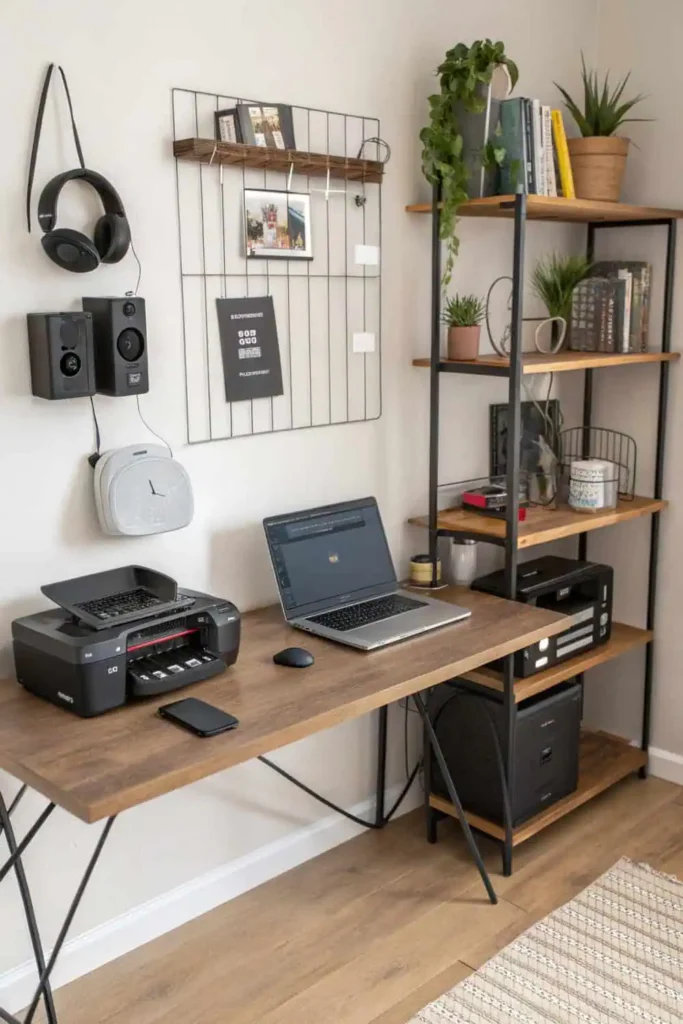
Modern work often requires reliable tech tools. A tech-friendly home office includes high-speed internet, a wireless printer, quality speakers or headphones, and smart storage for cables and devices. Investing in dependable technology helps your workday run smoothly.
Save what you love, hover or tap the image and pin it now.
Save what you love, hover or tap the image and pin it now.
Pro Tip: Use a docking station for quick device connections. Hide cables in desk grommets or under-desk trays.
8. Creative Wall Decor
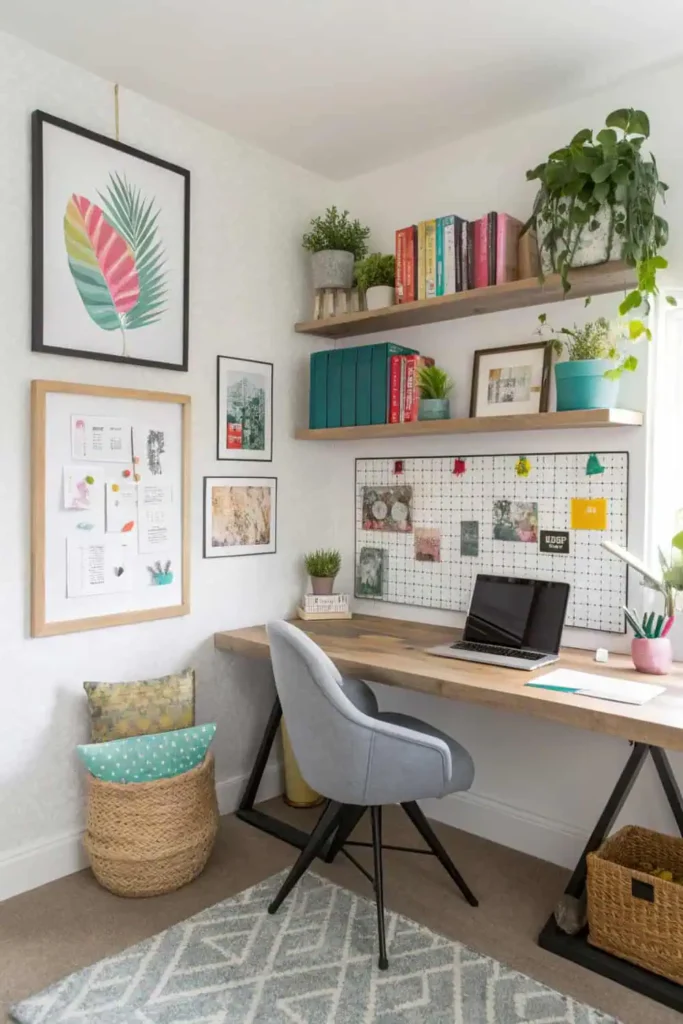
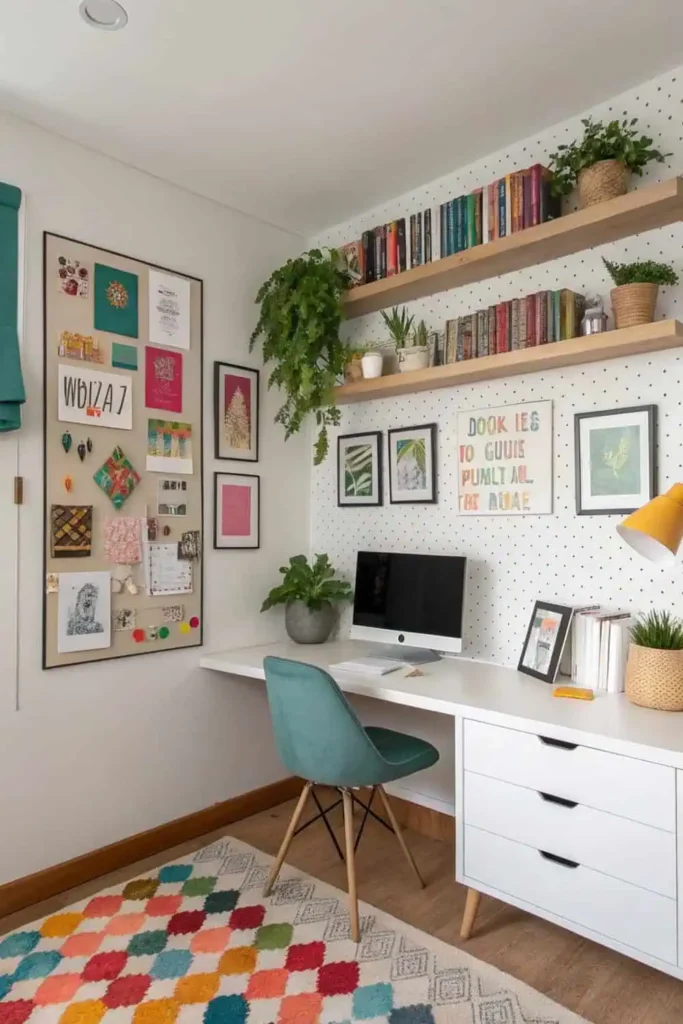
Adding art, inspiration boards, or wall shelves can personalize your workspace and spark creativity. Floating shelves keep books and supplies within reach, while framed prints or posters can motivate you throughout the day.
Save what you love, hover or tap the image and pin it now.
Save what you love, hover or tap the image and pin it now.
Pro Tip: Rotate art or inspiration boards monthly to keep ideas fresh. Balance decorative pieces with open wall space.
9. Soundproof Home Office
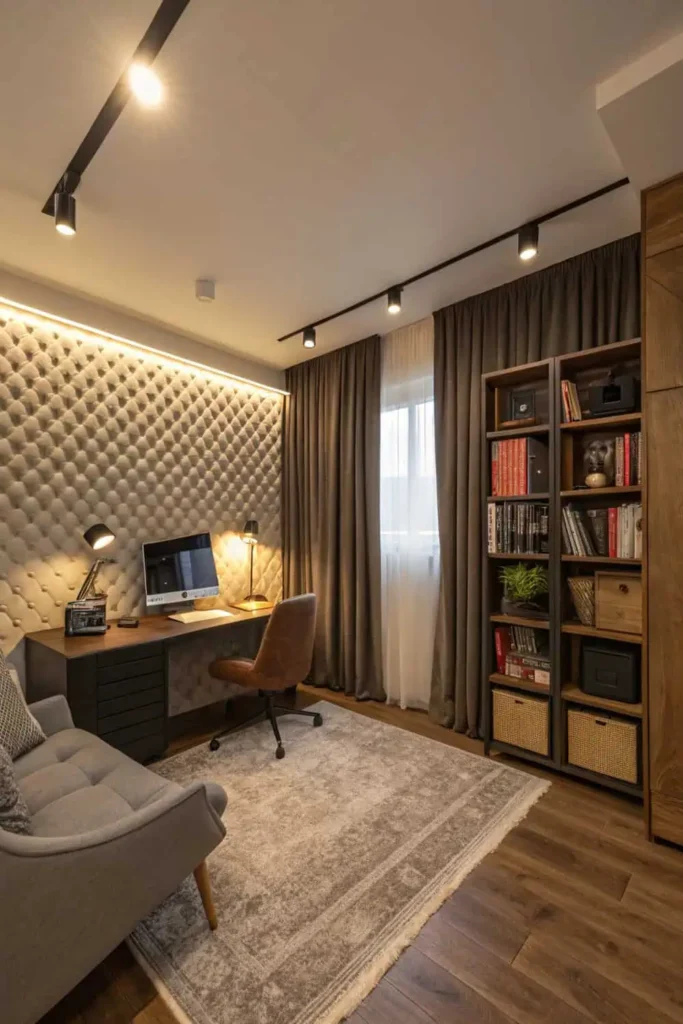
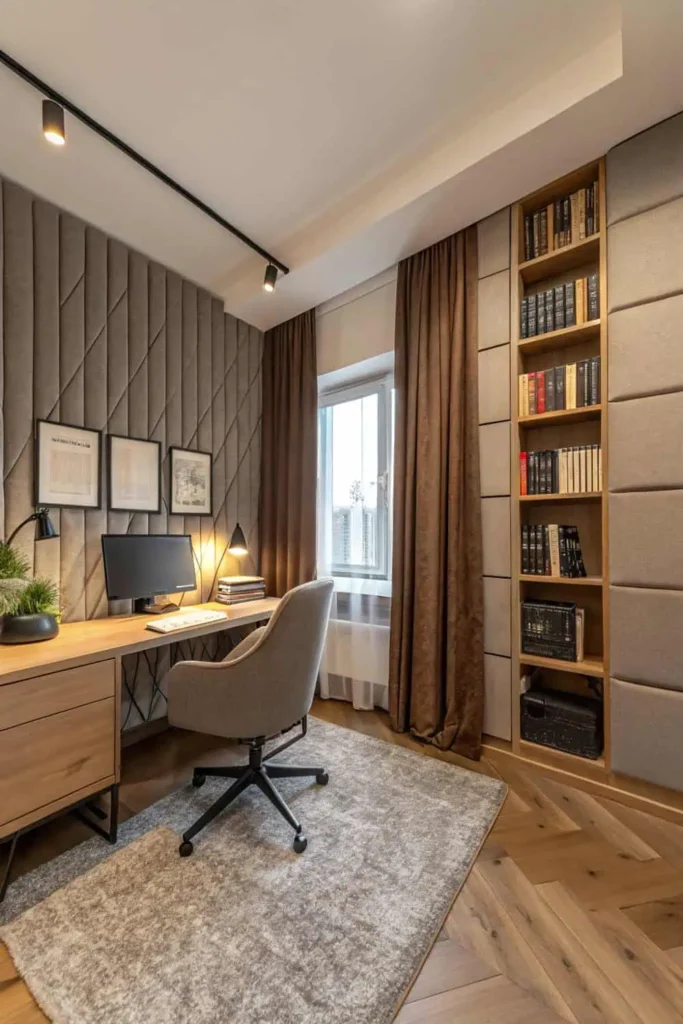
If noise is an issue, consider soundproofing options like acoustic panels, rugs, or heavy curtains. These reduce distractions from household or street noise, allowing you to stay focused during calls or deep work sessions.
Save what you love, hover or tap the image and pin it now.
Save what you love, hover or tap the image and pin it now.
Pro Tip: Layer rugs, curtains, and bookshelves to absorb sound. Acoustic panels work best when placed behind your desk.
10. Compact Corner Office
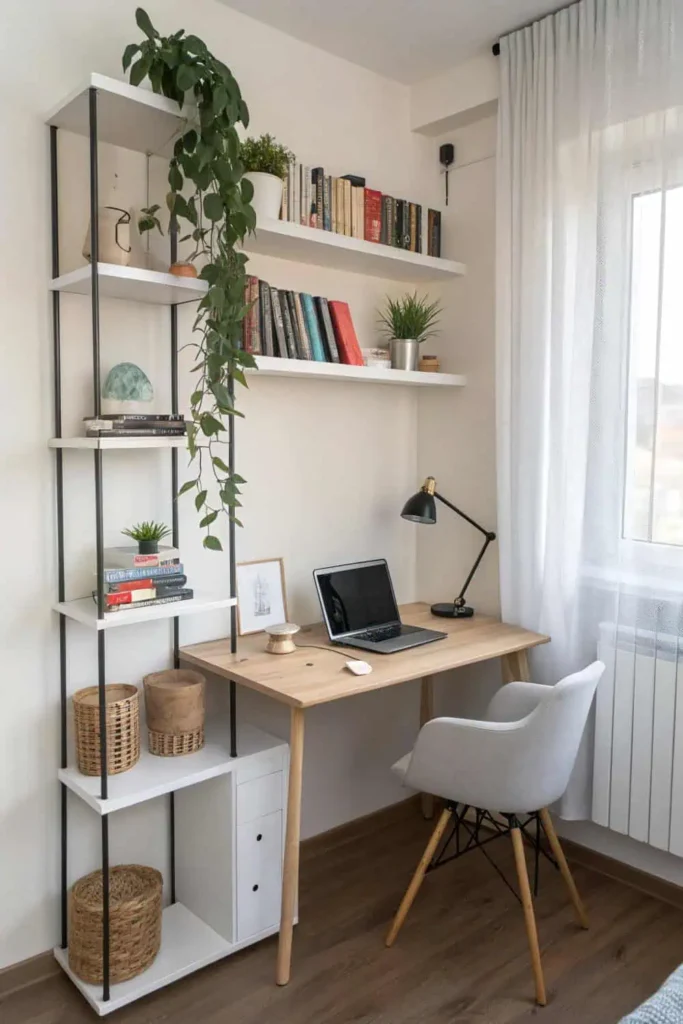
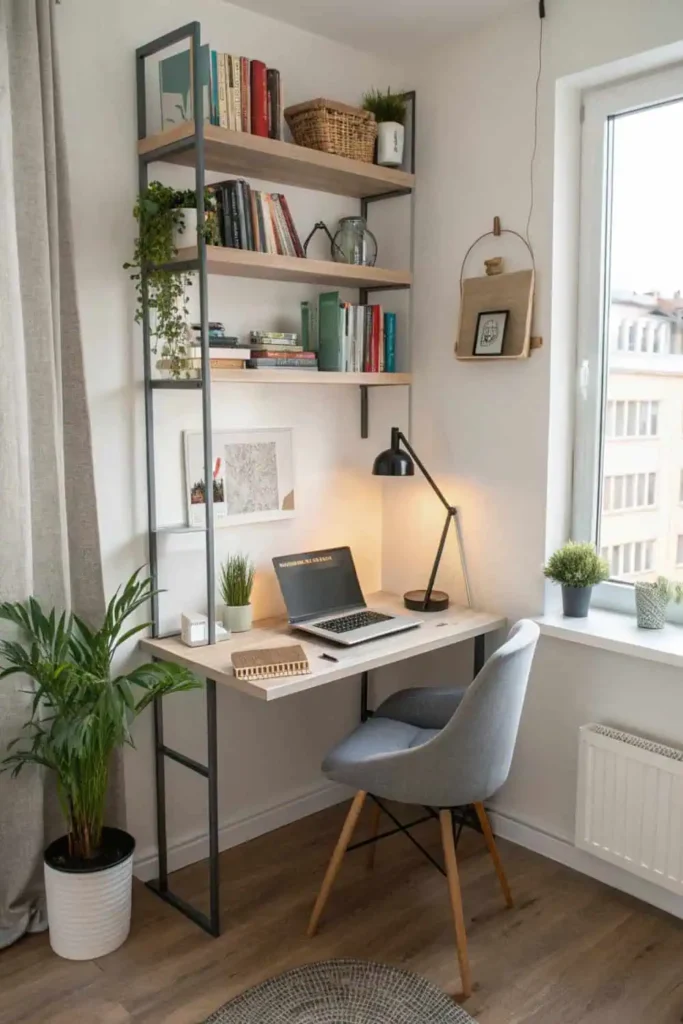
Even small spaces can become efficient home offices. Use a corner desk to maximize space, and choose vertical storage like wall shelves. Compact setups are perfect for apartments or shared living areas.
Save what you love, hover or tap the image and pin it now.
Save what you love, hover or tap the image and pin it now.
Pro Tip: Use vertical storage to free up desk space. Corner desks maximize floor area without feeling cramped.
Why Home Offices Are Worth the Investment
A well-planned home office is more than just a workspace — it’s an investment in your productivity and well-being. By creating a dedicated area for work, you set clear boundaries between personal and professional life, which can reduce stress and improve focus.
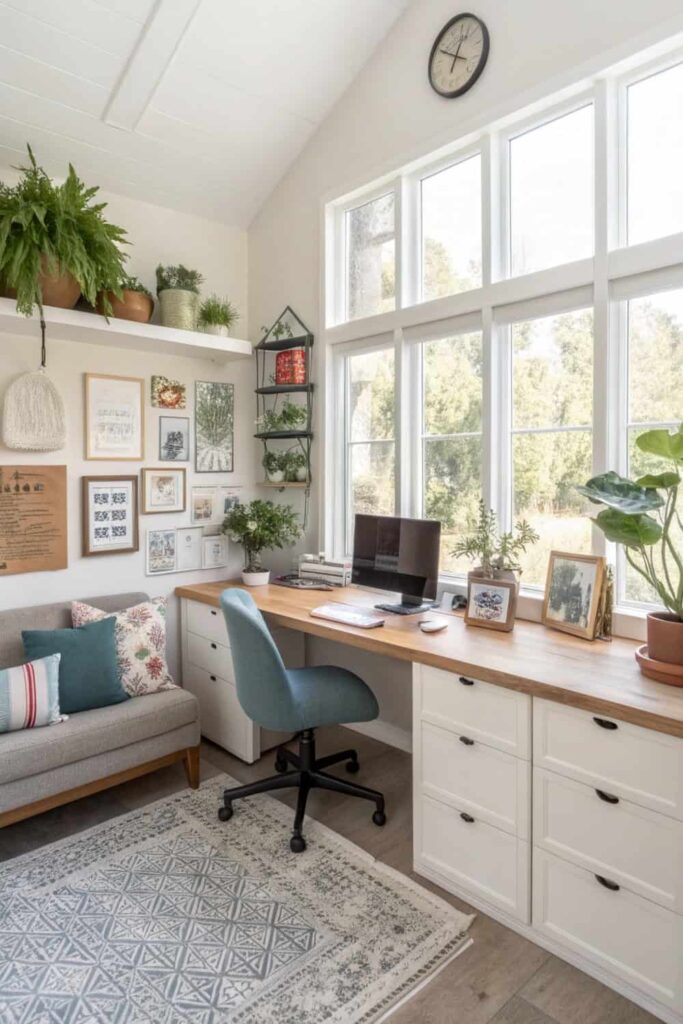
Save what you love, hover or tap the image and pin it now.
Ergonomic furniture supports physical health, while personalized touches keep you motivated. Over time, a functional home office can help you work more efficiently, potentially saving time and increasing your earnings. It also adds value to your home, as more buyers now see a home office as an essential feature.
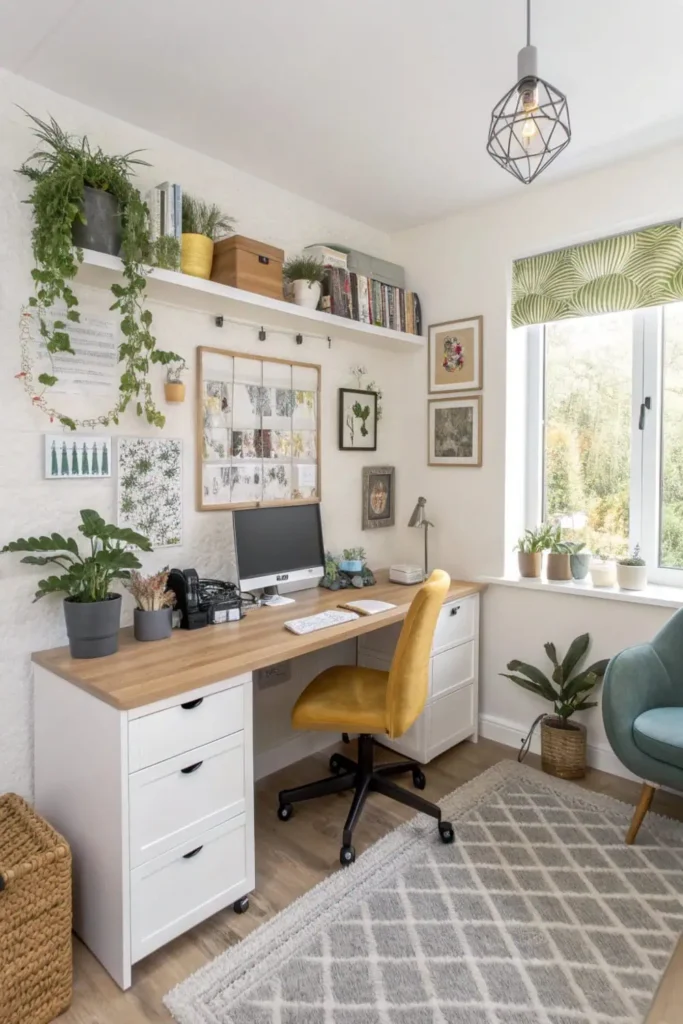
Save what you love, hover or tap the image and pin it now.
Whether you work full-time from home or just need a reliable space for side projects, a home office setup is a decision that pays off daily.
Pro Tip: Treat your home office as a productivity tool, not just a room. Comfort and efficiency pay off in focus, health, and even resale value.
Things to Consider Before Choosing a Home Office
When designing your home office, think about your available space, work style, and budget. Start by deciding whether you want a separate room or a section of another space. Comfort should be a priority — invest in a good chair and desk suited to your height.
Save what you love, hover or tap the image and pin it now.
Lighting is another key factor; natural light is ideal, but if that’s not possible, choose adjustable LED lighting. Storage solutions like filing cabinets, drawers, or wall shelves can keep your workspace tidy. Also, consider noise levels and internet connectivity — a quiet, well-connected space will make your workday smoother. Lastly, think about your style so that your office feels inspiring and welcoming.
Save what you love, hover or tap the image and pin it now.
Pro Tip: Match your office design to your work style. Lighting, ergonomics, and noise control matter as much as aesthetics
Comparison Table of Home Office Setups
| Setup Type | Best For | Key Features | Space Needed |
|---|---|---|---|
| Minimalist Desk | Focus & simplicity | Clean desk, neutral colors, essentials | Small |
| Ergonomic Workstation | Long hours | Adjustable chair/desk, monitor stand | Medium |
| Standing Desk Zone | Health-conscious workers | Sit-stand desk, anti-fatigue mat | Medium |
| Multi-Monitor Setup | Creative/tech work | 2+ screens, monitor arms | Large |
| Compact Corner Office | Small apartments | Corner desk, vertical storage | Small |
Recommended Products for Home Office
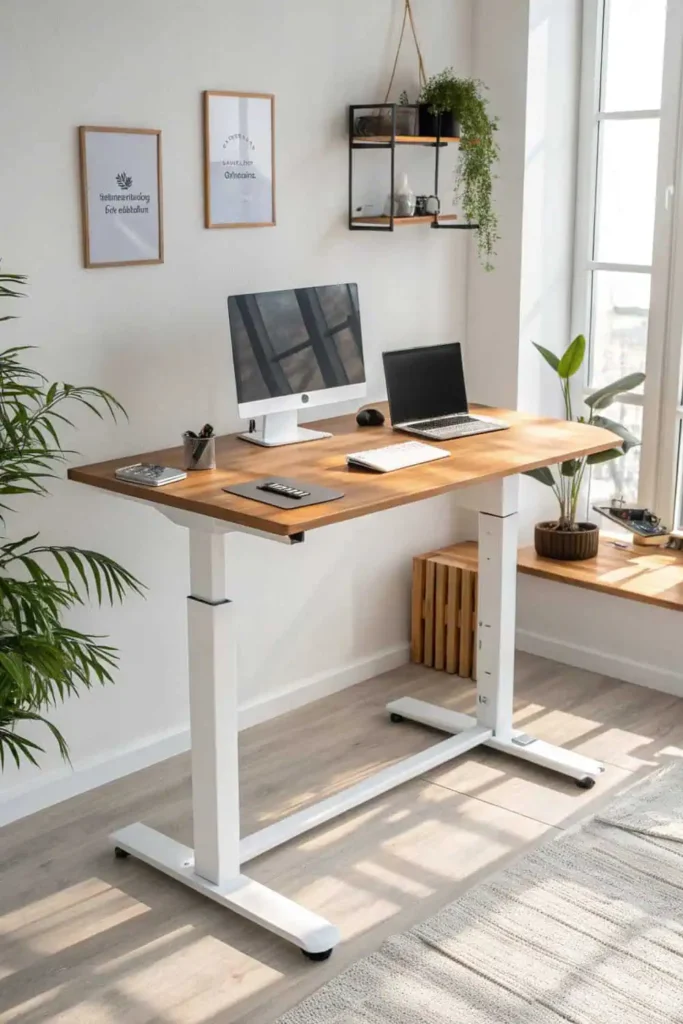
Flexispot Adjustable Standing Desk
Save what you love, hover or tap the image and pin it now.
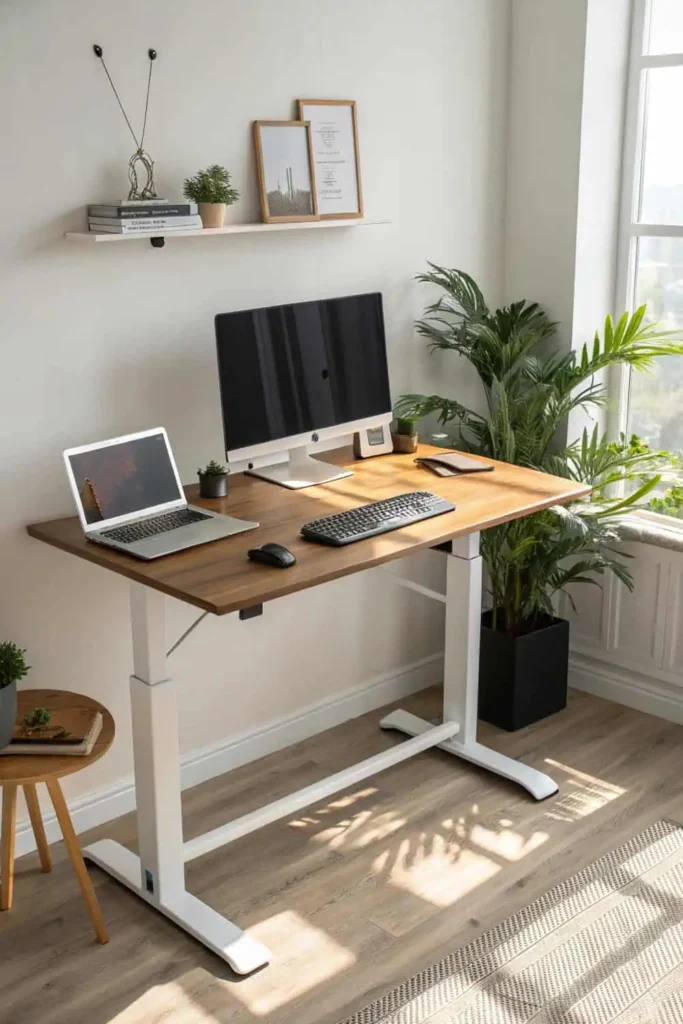
The Flexispot Adjustable Standing Desk is a versatile and ergonomic workspace solution designed to support your comfort and health throughout the workday. With its smooth, height-adjustable mechanism, you can effortlessly switch between sitting and standing positions, helping to reduce fatigue, improve posture, and boost productivity.
Save what you love, hover or tap the image and pin it now.
The sturdy frame ensures stability even at its maximum height, while the spacious desktop offers ample room for your laptop, monitor, and office accessories. Its sleek, modern design blends seamlessly with any home office decor, making it both a functional and stylish choice for long hours of work. Buy from Amazon
Pro Tip: Adjust desk height so elbows are at 90° when typing. Switch between sitting and standing to boost energy and posture
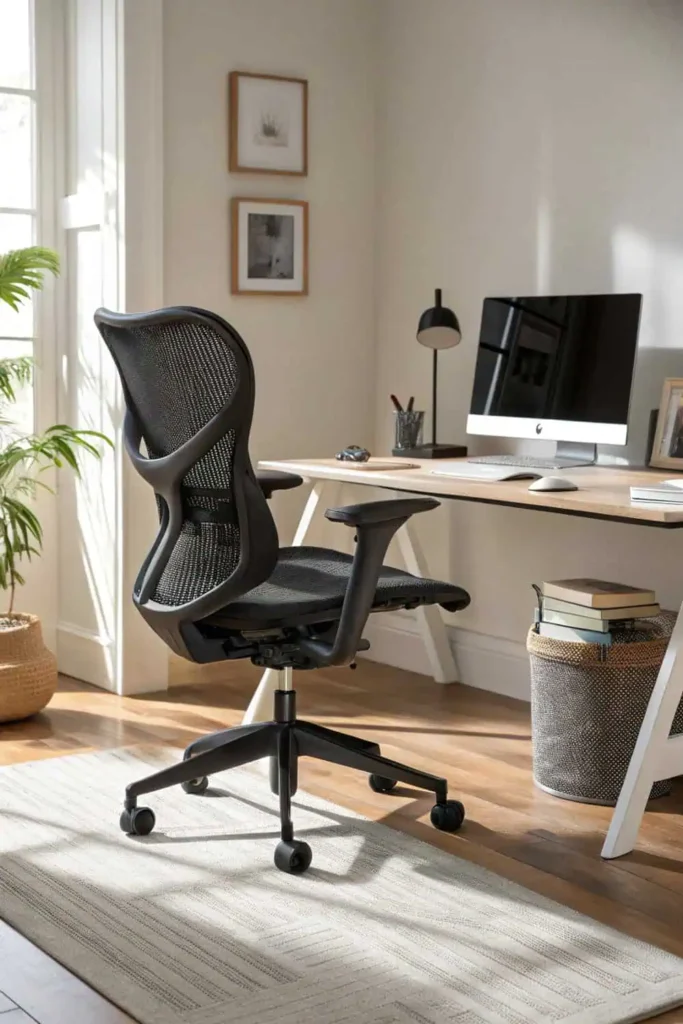
Herman Miller Aeron Chair
Save what you love, hover or tap the image and pin it now.
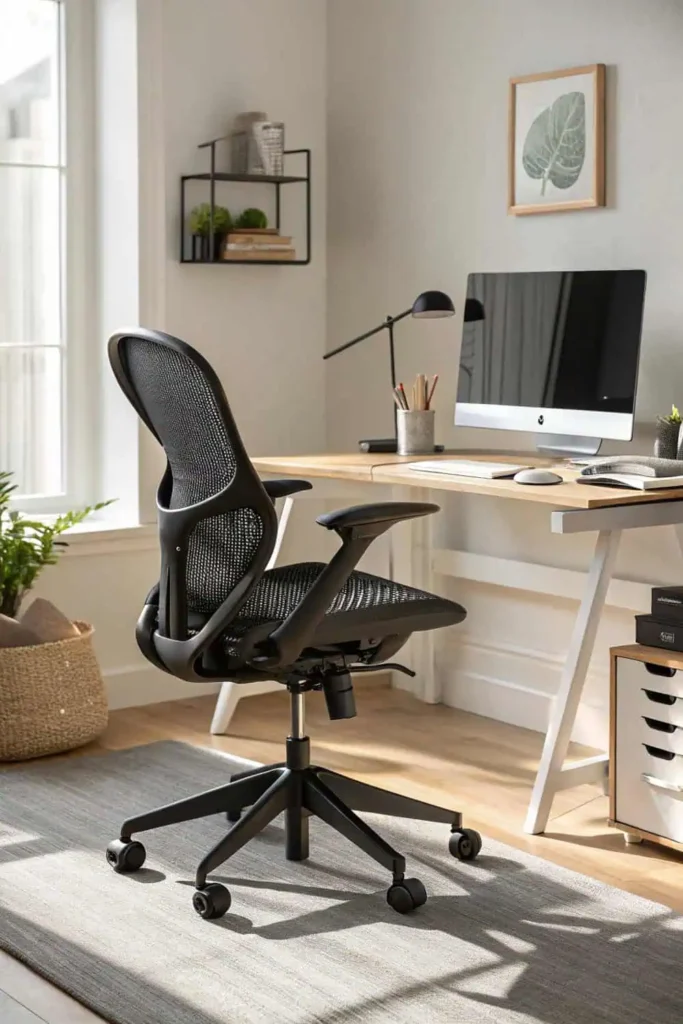
The Herman Miller Aeron Chair is a world-renowned ergonomic office chair designed for exceptional comfort, support, and durability. Crafted with a breathable mesh seat and backrest, it promotes healthy posture and reduces heat buildup, making it ideal for long work hours.
Save what you love, hover or tap the image and pin it now.
Its fully adjustable features, including seat height, tilt tension, lumbar support, and armrest positioning, allow for a personalized fit tailored to your body. Built with premium materials and a timeless design, the Aeron Chair not only enhances productivity but also adds a sleek, professional look to any home or corporate office
Buy from Amazon
Pro Tip: Fine-tune tilt, lumbar support, and armrest height. Even the best chair works best when it fits your body perfectly.
Logitech MX Master 3S Wireless Mouse
The Logitech MX Master 3S is a premium precision mouse designed for professionals who value speed, comfort, and efficiency. Featuring ultra-quiet clicks, an advanced 8K DPI sensor, and customizable buttons, it allows you to streamline your workflow with ease.
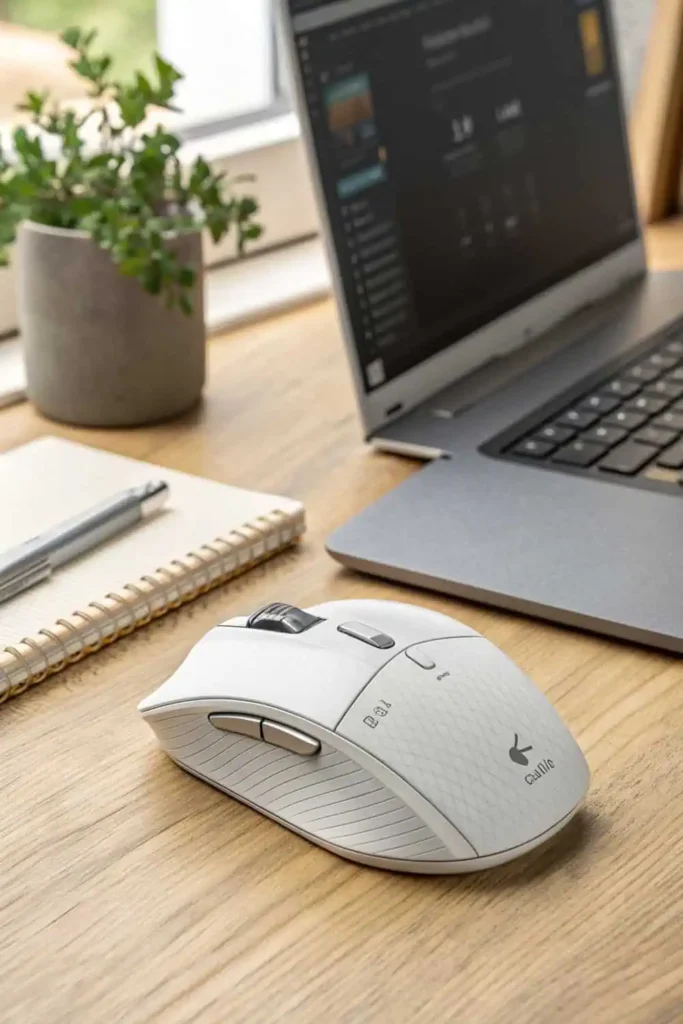
Save what you love, hover or tap the image and pin it now.
The ergonomic shape supports your hand’s natural posture, reducing wrist strain during long hours of work. With the MagSpeed Electromagnetic scroll wheel, you can seamlessly switch between ratchet and hyper-fast scrolling for precise navigation.
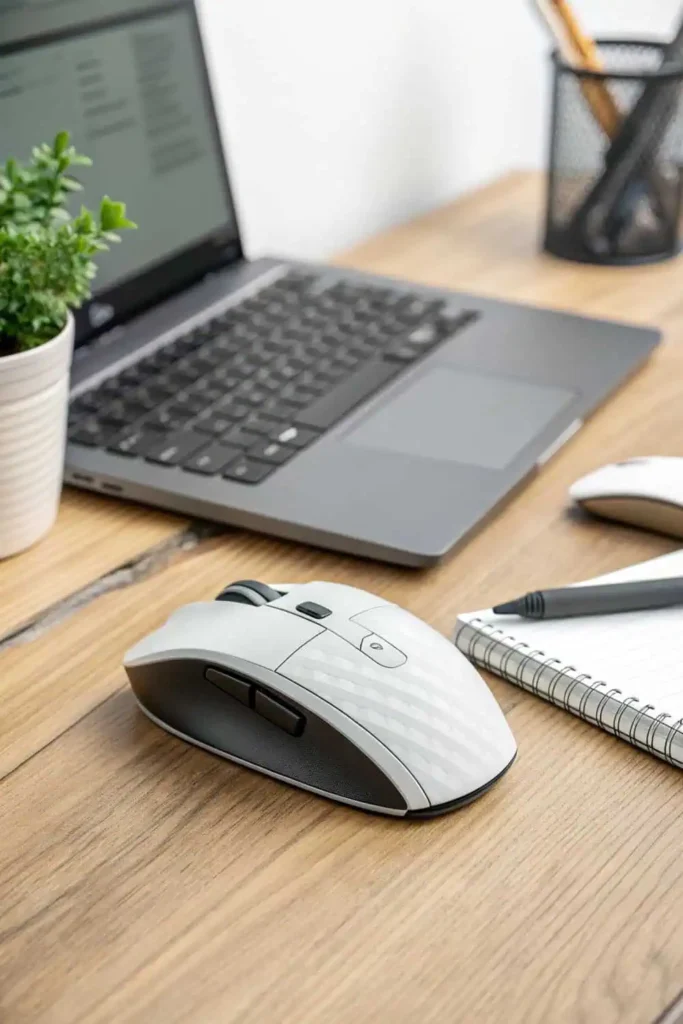
Save what you love, hover or tap the image and pin it now.
This mouse connects via Bluetooth or the included Logi Bolt USB receiver, offers multi-device pairing, and lasts up to 70 days on a single charge — making it the perfect upgrade for productivity-focused home office setups. Buy from Amazon
Pro Tip: Customize side buttons for your most-used tasks. Use the ergonomic shape to reduce wrist strain during long sessions.
Frequently Asked Questions About Home Office
1. How can I make my home office more productive?
Use ergonomic furniture, minimize distractions, and keep the space organized. Good lighting and personalized decor can also help maintain focus.
2. Do I need a separate room for a home office?
Not necessarily — a dedicated corner with the right setup can work just as well if space is limited.
3. What is the best chair for long work hours?
An ergonomic chair with adjustable height, lumbar support, and breathable material is ideal.
4. How do I improve lighting in my home office?
Use natural light when possible. If not, invest in adjustable LED desk lamps or overhead lights that mimic daylight.
Conclusion
Creating the right home office is about balancing comfort, productivity, and style. Whether you choose a minimalist setup, an ergonomic workstation, or a tech-filled workspace, the key is to make it suit your needs and lifestyle. With the right furniture, lighting, and organization, your home office can become a place where you feel focused, motivated, and ready to tackle your workday.

Save what you love, hover or tap the image and pin it now.